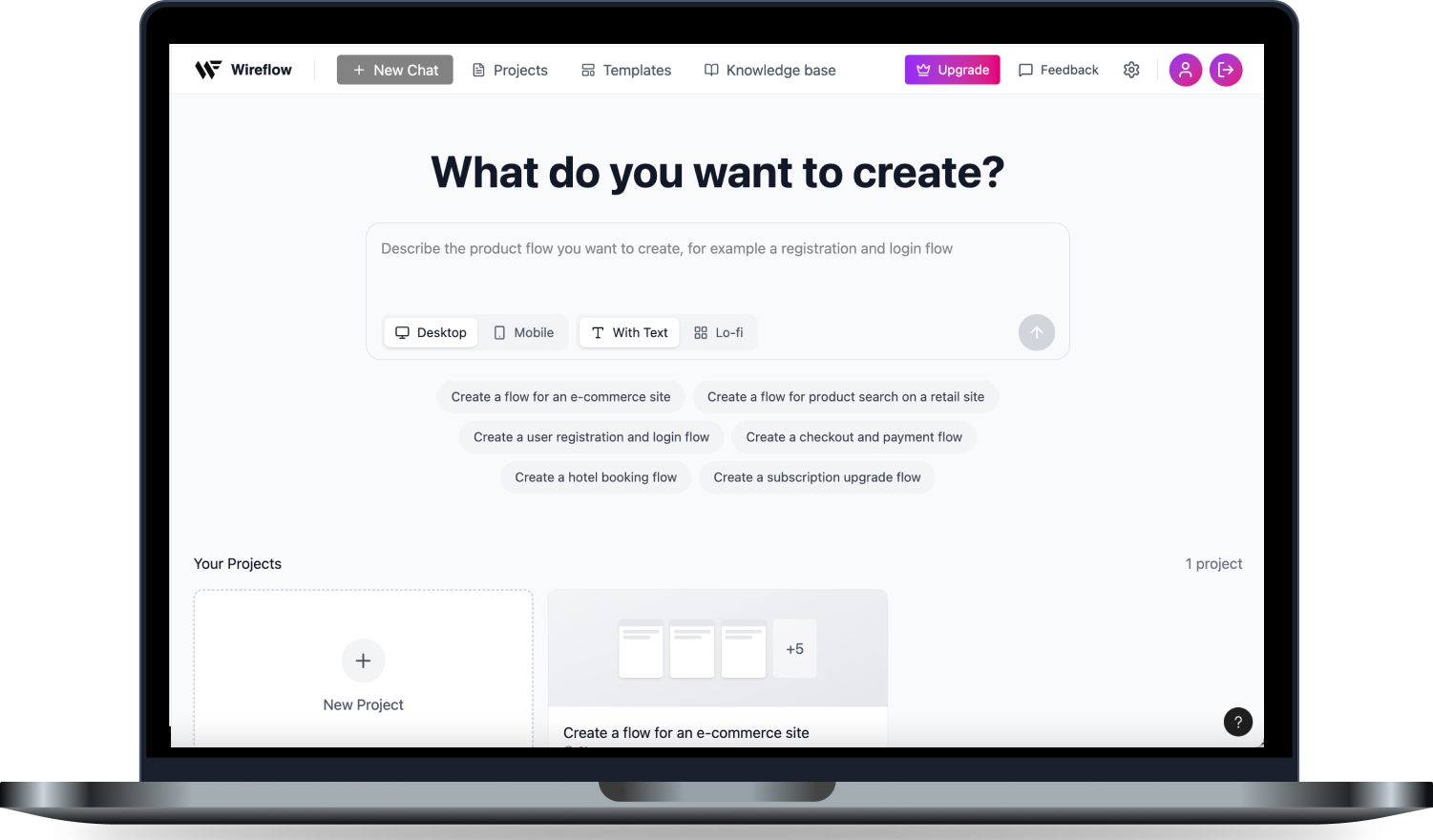
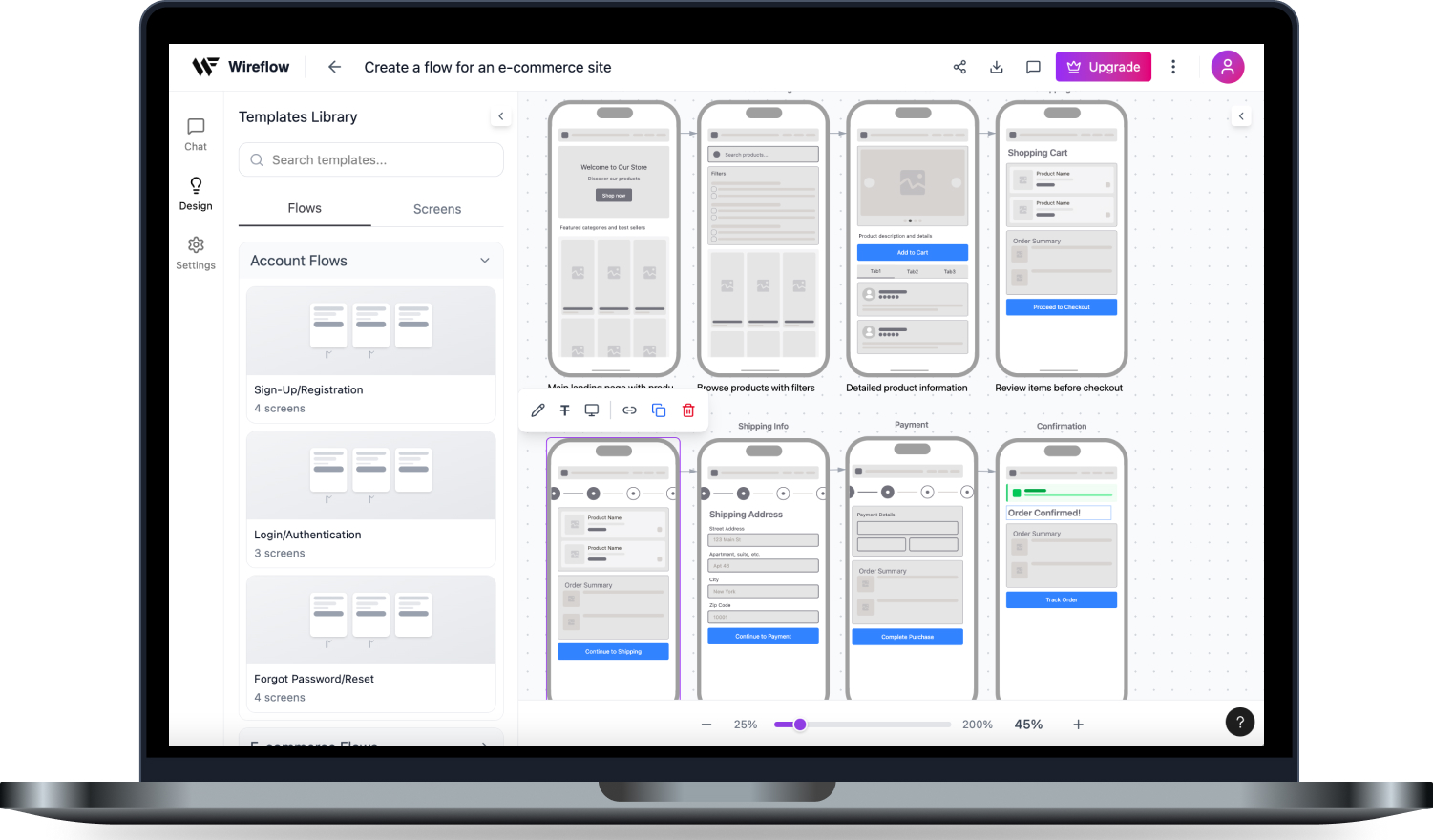
Create your lo-fi workflow visualizations in seconds by using the power of AI
The Team

Project Details
This was a self-initiated project, I worked on it in Q2 2025 – Q1 2026 and delivered end-to-end UX as well as built a fully functional prototype.
Software Production
User Journey Mapping
Usability Testing
Prototyping
UI Design
Design System
Figma
Figma Make
Adobe Express
Problem and Solution
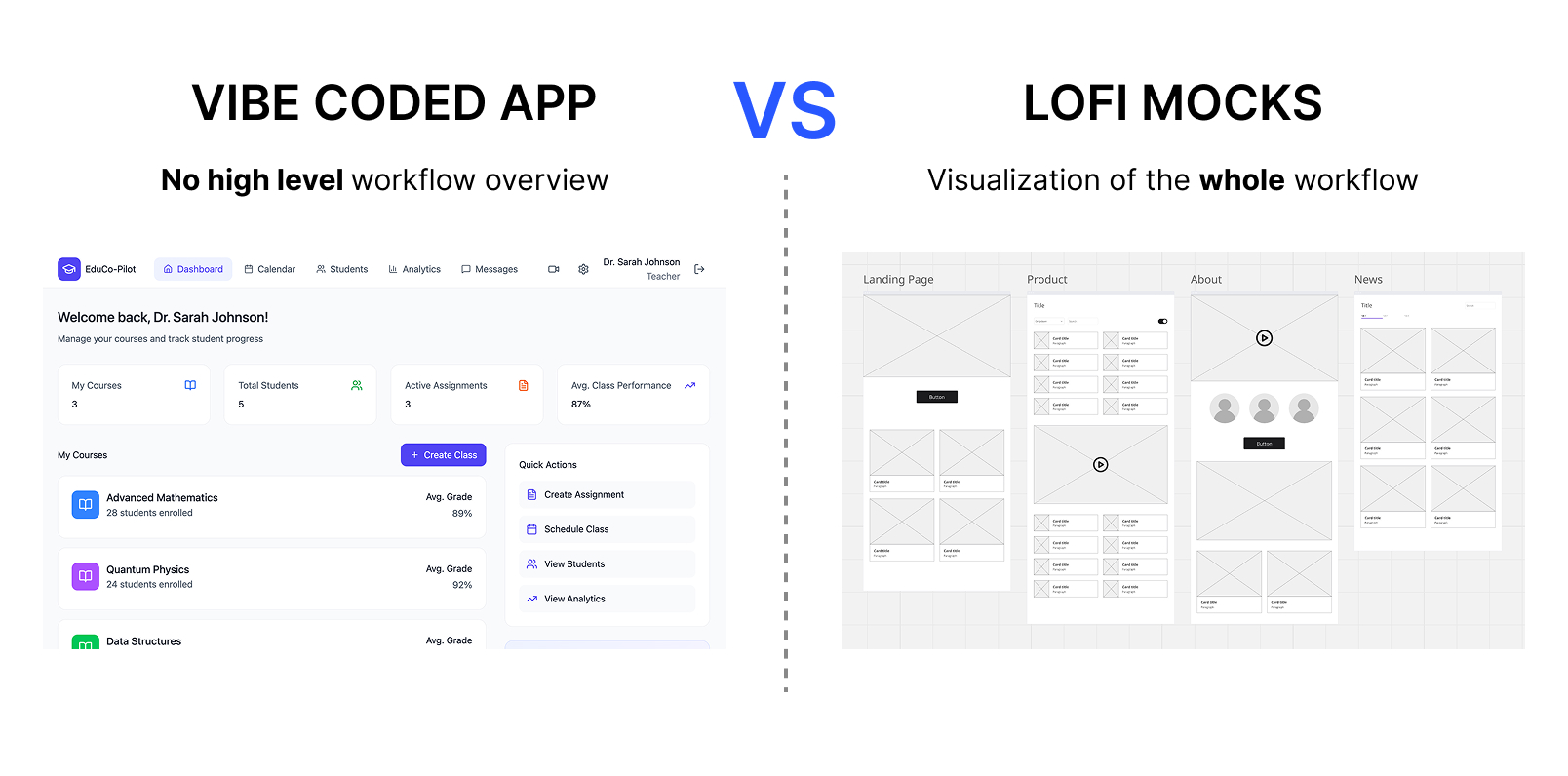
I identified the problem by talking to my designer collegues, which complained, that there is no tool for quick and easy lo-fi workflow visualization, that would produce a high-level overview of a product workflow as lo-fi mock visualizations and serve as an input for further AI development.
What was designed
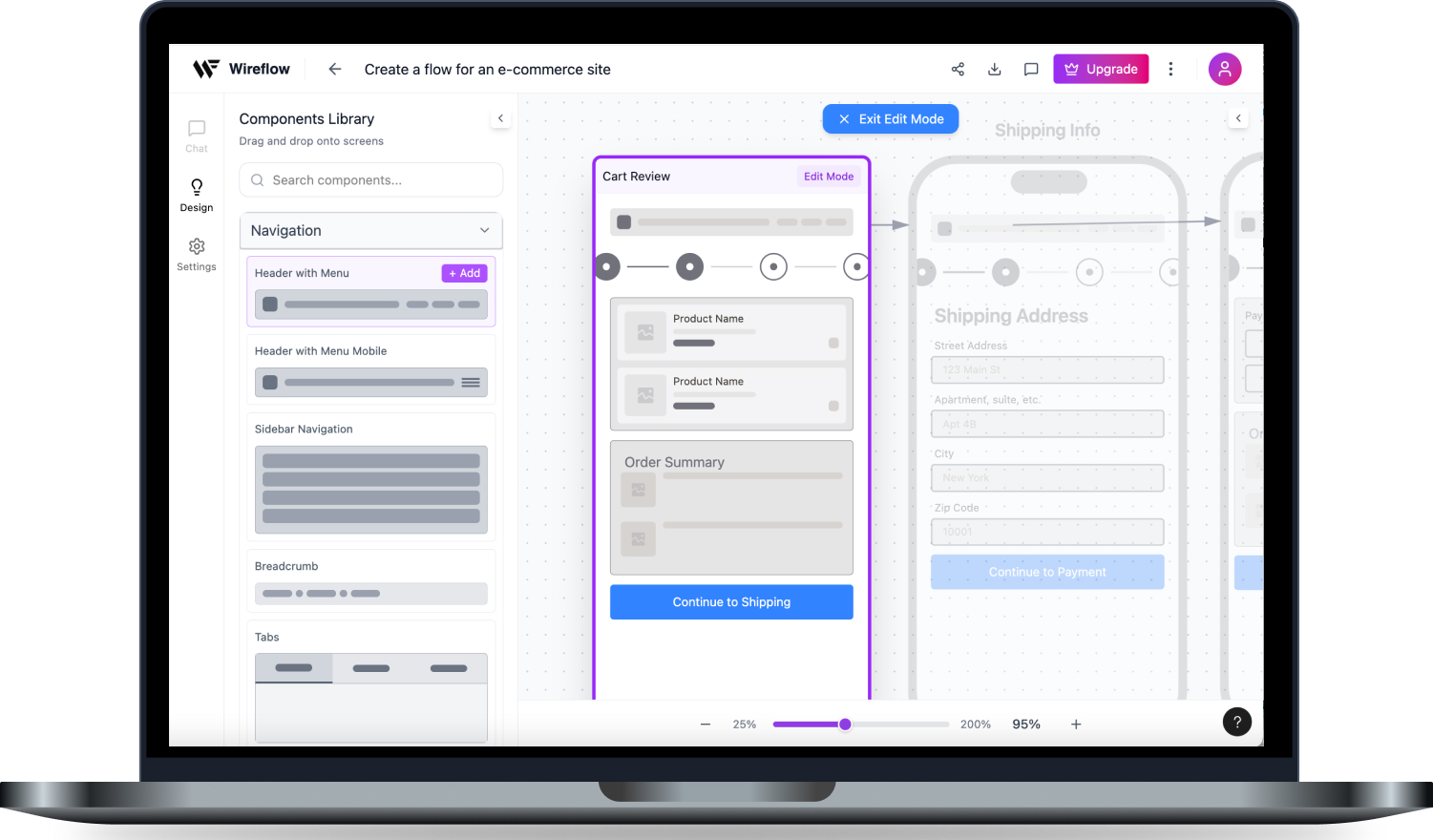
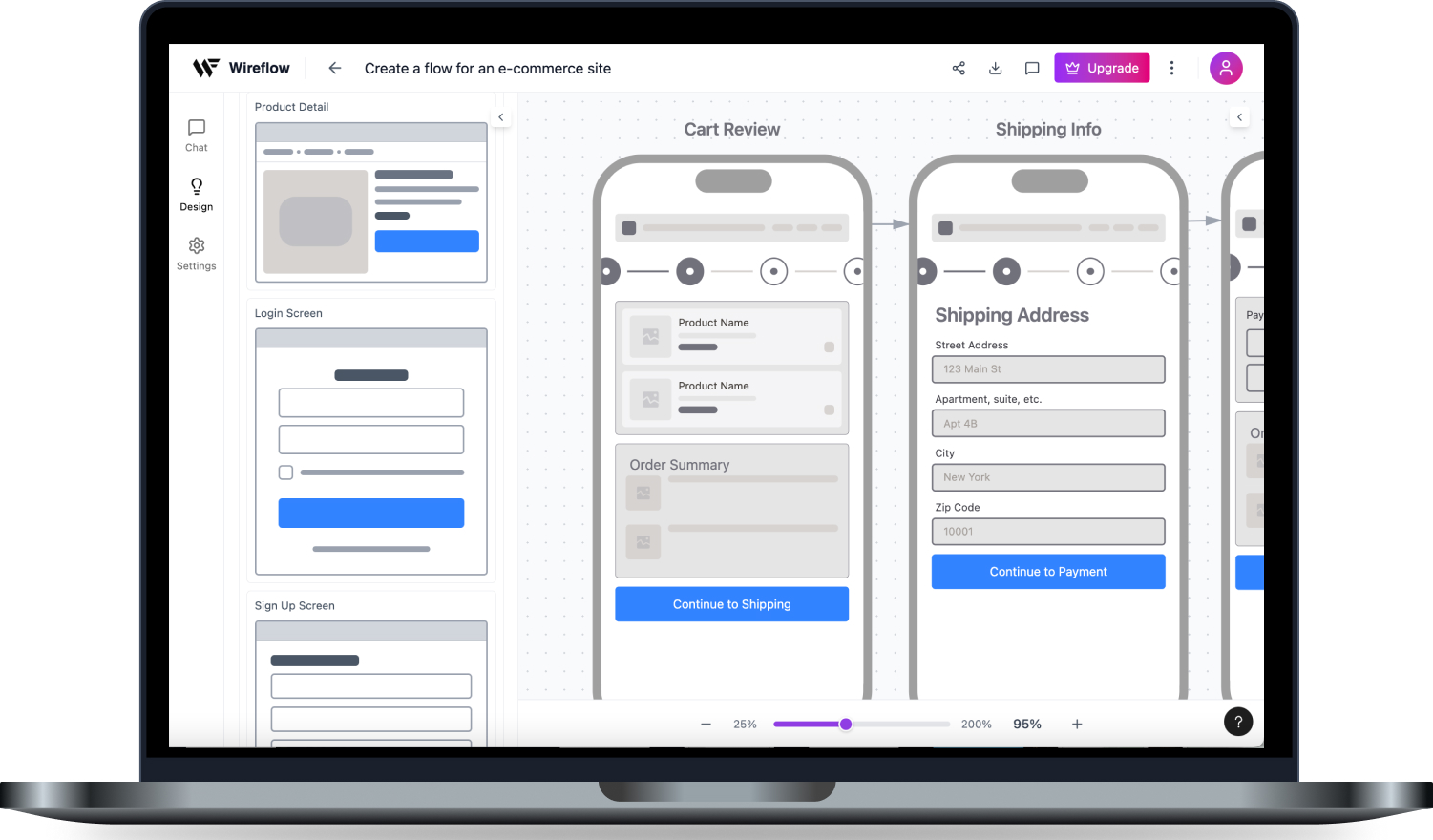
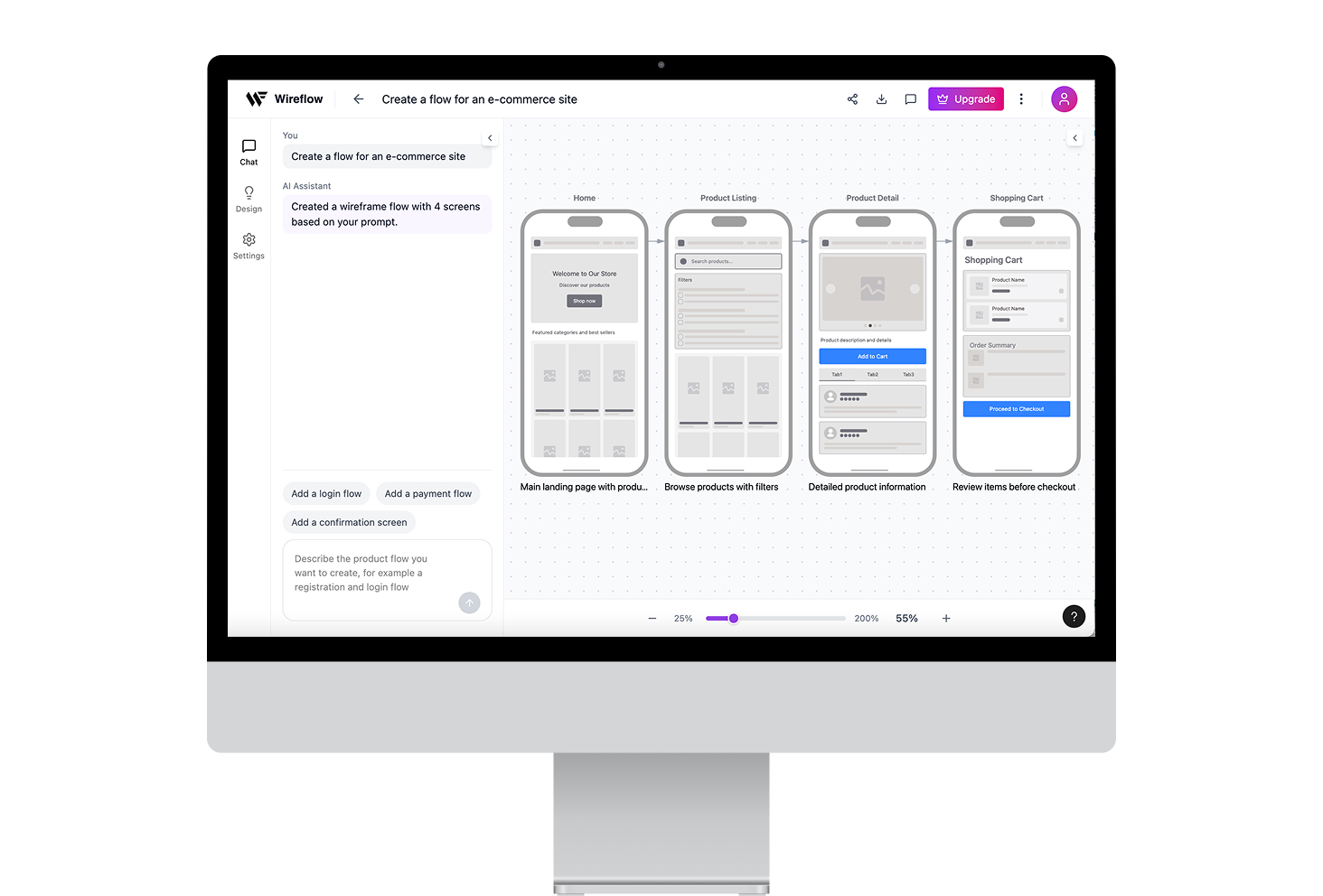
I developed a fully functional prototype for workflow visualization using AI-assisted rapid prototyping (vibe-coding), followed by rigorous user testing to validate the core logic.
User goals and pain points
To better understand user goals and pain points I conducted interviews with 8 users - product/ux designers, product managers and developers. They expressed the need for a tool that would enable to quickly visualize a workflow before starting creating prototypes or designing hi-fi designs without the need to draw manually lo-fi mocks. Developers expressed the need to have a high level overview of the product workflow to better understand the scope of work and plan the development sprints accordingly.